¶ Gardeners Resource Chest
A special storage chest for gardeners. It holds large amounts of your gardening supplies — seeds, pollen, plant resources, dirt, pots and potions — neatly sorted, searchable, and with one-click withdraw/restock. Think of it as a dedicated “gardening bank” that keeps every seed colour and pollen type on its own tidy line.
¶ Overview
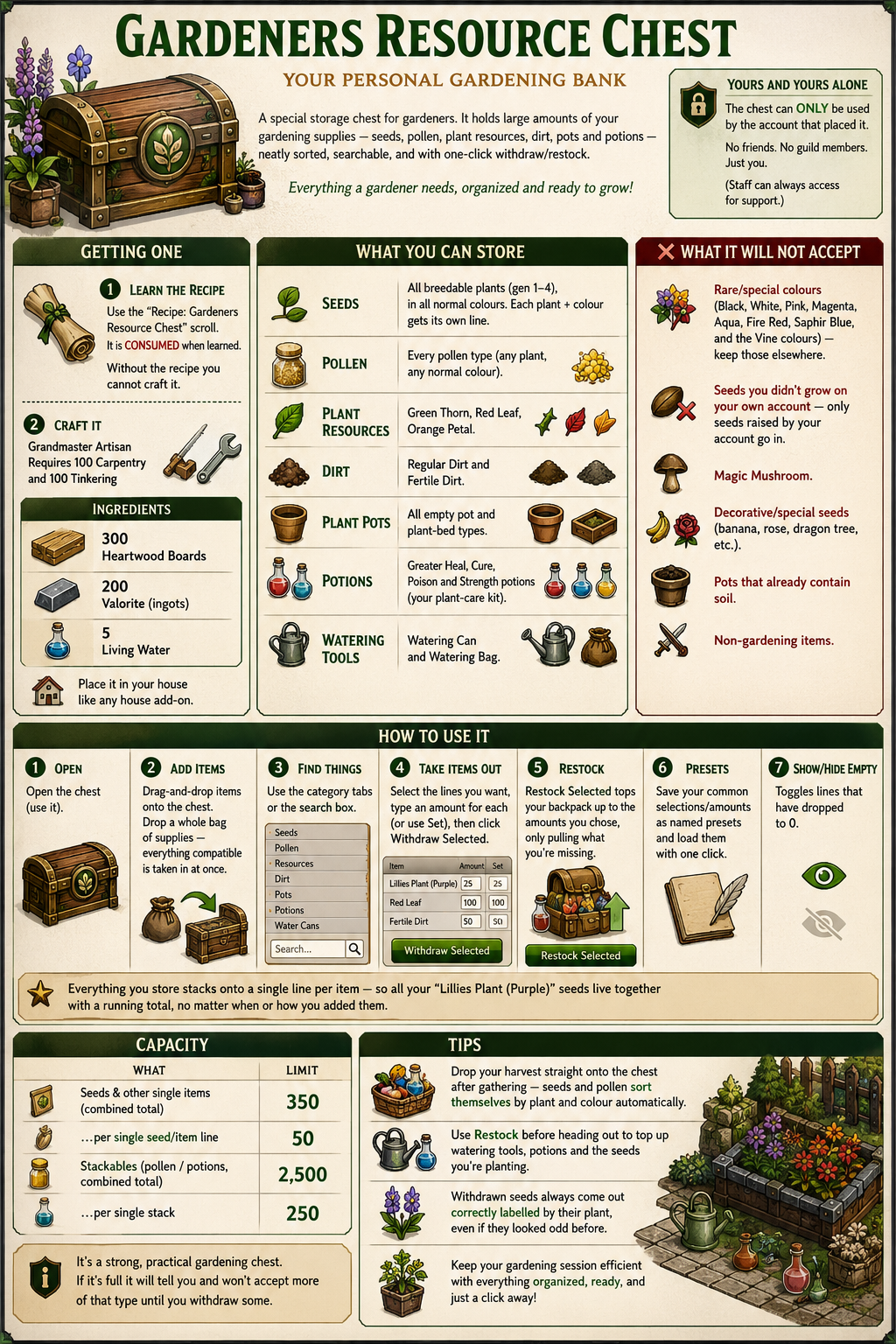
¶ Getting one
- Craft it (Grandmaster Artisan): requires 100 Carpentry and 100 Tinkering, plus a learned
recipe. Ingredients:- 300 Heartwood Boards
- 200 Valorite (ingots)
- 5 Living Water
- Learn the recipe first by using the “Recipe: Gardeners Resource Chest” scroll (it’s consumed
when learned). Without the recipe you can’t craft it even at GM skill.
Place it in your house like any house add-on.
¶ It’s yours and yours alone
The chest can only be used by the account that placed it. No friends, no guild members — just you.
(Staff can always access for support.)
¶ What you can store
| Type | Notes |
|---|---|
| Seeds | All breedable plants (gen 1–4), in all normal colours. Each plant + colour gets its own line. |
| Pollen | Every pollen type (any plant, any normal colour). |
| Plant Resources | Green Thorn, Red Leaf, Orange Petal. |
| Dirt | Regular Dirt and Fertile Dirt. |
| Plant Pots | All empty pot and plant-bed types. |
| Potions | Greater Heal, Cure, Poison and Strength potions (your plant-care kit). |
| Watering Tools | Watering Can and Watering Bag. |
The chest names seeds and pollen by their plant and colour, e.g. “Lillies Plant (Purple)” or
“Fern Plant Pollen (Red)”, so they’re easy to find.
¶ What it will NOT accept
- Rare/special colours (Black, White, Pink, Magenta, Aqua, Fire Red, Saphir Blue, and the Vine
colours) — keep those elsewhere. - Seeds you didn’t grow on your own account — only seeds raised by your account go in.
- Magic Mushroom, decorative/special seeds (banana, rose, dragon tree, etc.), pots that already contain
soil, and non-gardening items.
¶ Using it
- Open the chest (use it).
- Add items: simply drag-and-drop them onto the chest. You can drop a whole bag of supplies and
everything compatible is taken in at once. - Find things: use the category tabs (Seeds, Pollen, Resources, Dirt, Pots, Potions, Water Cans)
or the search box. - Take items out: select the lines you want, type an amount for each (or use Set to set
them all at once), then click Withdraw Selected. - Restock: Restock Selected tops your backpack up to the amounts you chose, only pulling what
you’re missing — perfect before a gardening session. - Presets: save your common selections/amounts as named presets and load them with one click.
- Show/Hide Empty toggles lines that have dropped to 0.
Everything you store stacks onto a single line per item — so all your “Lillies Plant (Purple)” seeds
live together with a running total, no matter when or how you added them.
¶ Capacity
| What | Limit |
|---|---|
| Seeds & other single items (combined total) | 350 |
| …per single seed/item line | 50 |
| Stackables (pollen / potions, combined total) | 2,500 |
| …per single stack | 250 |
It’s a strong, practical gardening chest. If it’s full it will tell you and won’t accept more of that
type until you withdraw some.
¶ Tips
- Drop your harvest straight onto the chest after gathering — seeds and pollen sort themselves by plant
and colour automatically. - Use Restock before heading out to top up watering tools, potions and the seeds you’re planting.
- Withdrawn seeds always come out correctly labelled by their plant, even if they looked odd before.